
 Google
If you are exploring the landscape of artificial intelligence tools, Google Gemini stands out as one of the most powerful and deeply integrated platforms available today. Evolving far beyond a simple text-based chatbot, Gemini has transformed into a multimodal proactive personal intelligence layer. It is designed to handle everything from casual brainstorming to complex coding, 3D simulations, and highly sophisticated research.
In this comprehensive guide, we will explore exactly what makes Google Gemini a top-tier choice for your workflow. We will break down its core features, compare the free and paid versions, examine its unique agentic capabilities, and outline its current limitations so you can make an informed decision.
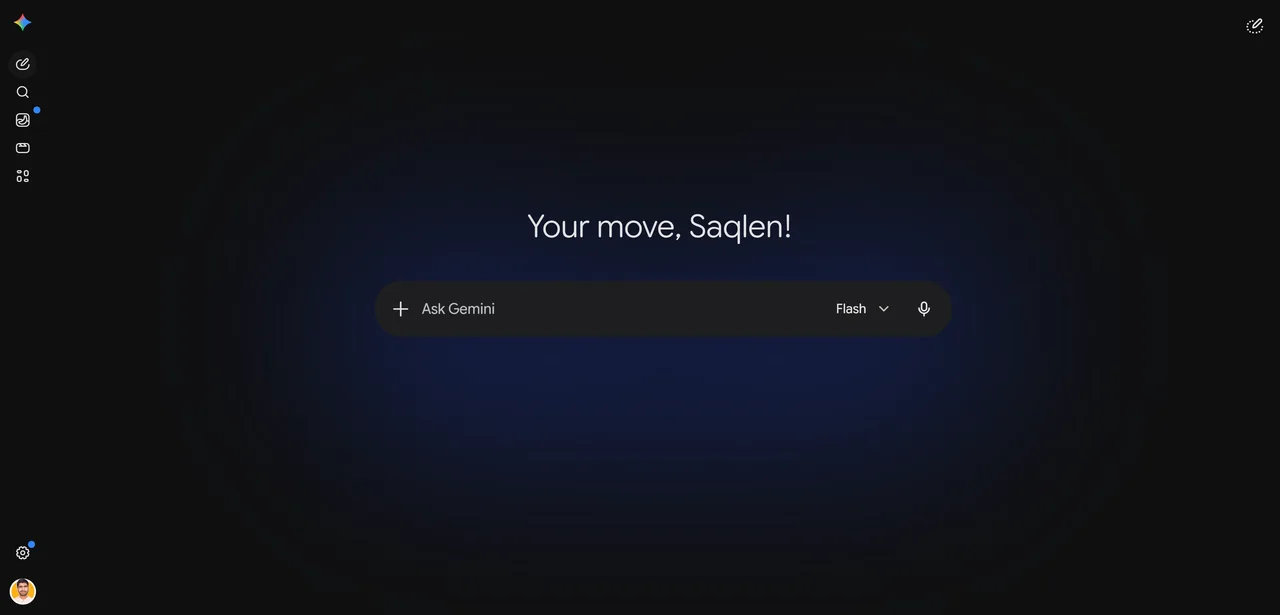
What is Google Gemini?
At its core, Gemini is Google's flagship family of multimodal large language models. Unlike older AI systems that were trained on text and later patched to understand images or audio, Gemini was built from the ground up to be natively multimodal. This means it can seamlessly process, understand, and combine text, code, audio, images, and video in a single interaction.
The platform is powered by the Gemini 3 model family, which includes several distinct variations tailored for different levels of complexity:
| Model | Best for |
|---|---|
| Gemini Flash | Lightning-fast, highly efficient responses for everyday tasks. |
| Gemini 3.1 Pro | Premium, state-of-the-art reasoning for complex analysis and multi-step problem solving. |
| Gemini Ultra | The most capable model, built for demanding enterprise, scientific, and analytical workloads. |
| Gemini Deep Think | Specialized reasoning that carefully plots out complex logic before answering. |
Whether you are a software developer looking to accelerate your build time, a creative professional generating 4K videos, or a student organizing research, there is a configuration of Gemini built to support your specific needs.
Core Features and Capabilities
Gemini boasts a massive suite of tools that place it at the cutting edge of AI technology. Here is a detailed look at what you can do with the platform.
1. The Massive 1 Million Token Context Window
One of the most defining technical features of Gemini is its massive context window. The platform can process up to 1 million tokens at a time. To put this in perspective, you can upload multiple dense textbooks, hours of video footage, or thousands of lines of code into a single prompt. Gemini can analyze this massive data dump simultaneously, finding hidden connections and summarizing vast amounts of information without losing the thread of the conversation.
2. Canvas and "Vibe Coding"
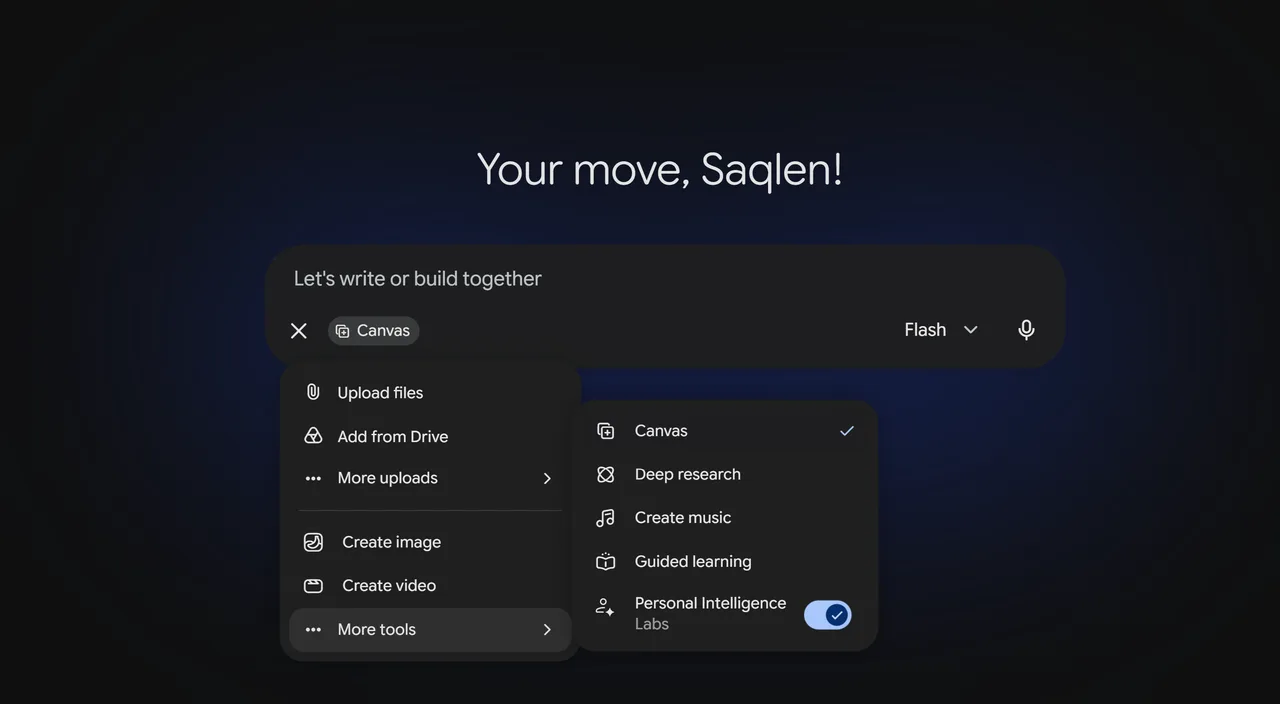
For developers and writers, Gemini offers a dedicated workspace called Canvas. Instead of a traditional linear chat thread, Canvas opens up a side-by-side interactive interface. You can generate a document or a piece of software code and then manually edit specific sections.
Gemini supports interactive app development directly within this space. Developers often refer to this as "vibe coding," where you can describe the feeling, layout, and function of an app in plain English, and Gemini will generate the frontend and backend logic. You can then highlight specific lines of code and ask Gemini to debug, optimize, or translate them into another programming language without regenerating the entire script.
3. High-Fidelity Media Generation (Veo 3.1 and Lyria 3 Pro)
Gemini is not just about analyzing data; it is a creative powerhouse. The platform integrates Google’s most advanced media generation models directly into the chat interface.
With the Veo 3.1 integration, users can prompt Gemini to generate high-quality, cinematic 4K videos based on text descriptions, the same engine that powers Google Flow. You have granular control over camera angles, lighting, and art styles. Similarly, the integration of Lyria 3 Pro allows for high-fidelity music generation. You can create custom soundtracks, vocal tracks, and instrumental pieces tailored to your exact specifications.
4. Agentic AI and Screen Automation
Moving beyond simply answering questions, Gemini has strong "agentic" capabilities. This means it can take actions on your behalf. On select mobile devices like the Pixel 10 and Samsung S26, Gemini can perform screen automation. It can literally see what is on your screen and interact with apps to complete tasks, such as ordering food or organizing your calendar.
Furthermore, Gemini can use a remote browser environment to complete web-based tasks. It can navigate websites, gather data, and manage smart home devices, functioning as an active digital assistant rather than a passive knowledge base.
5. Personal Intelligence and Workspace Integration
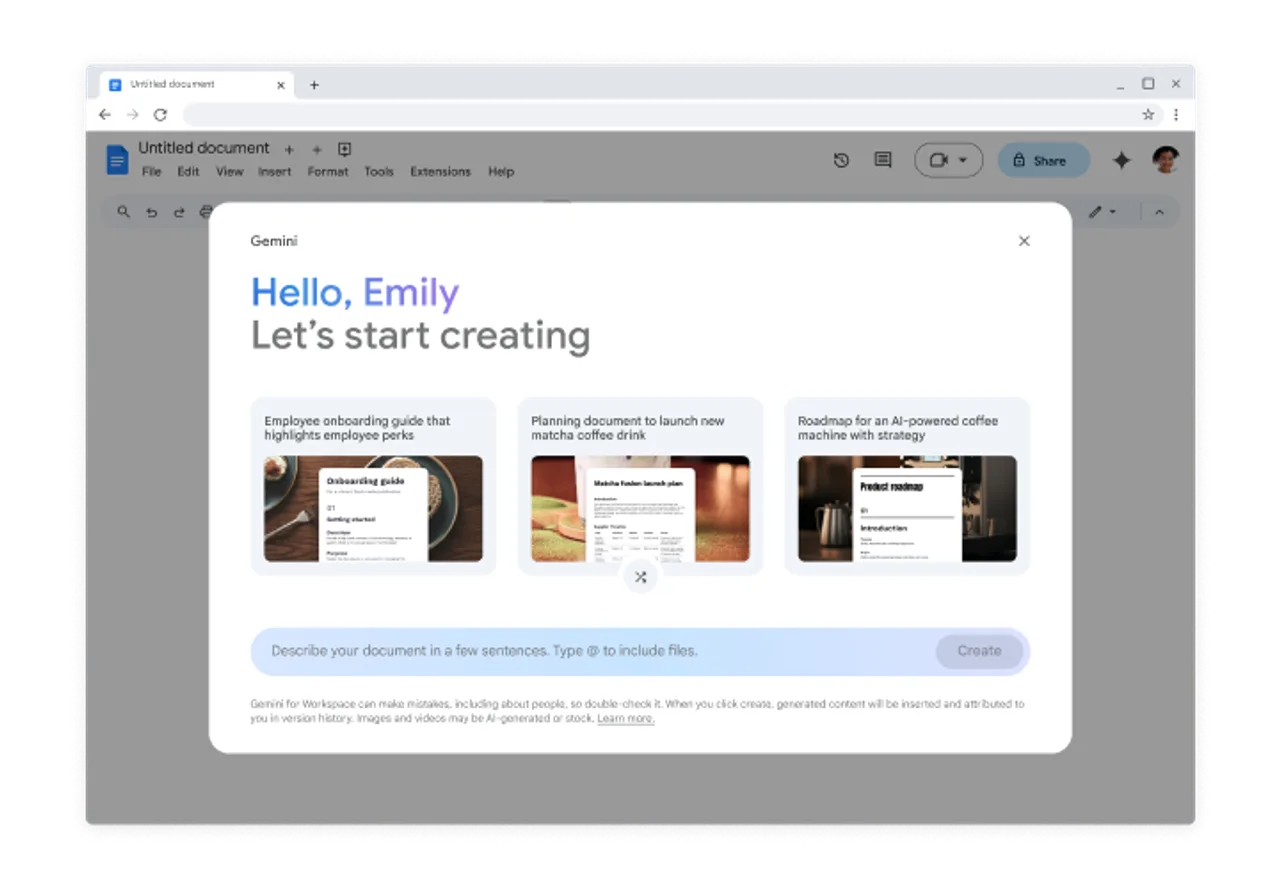
If you exist within the Google ecosystem, Gemini acts as a personalized intelligence layer. It can securely synthesize information across your personal Google applications including Gmail, Google Photos, and Google Calendar. You can ask Gemini to find an invoice buried in an email from six months ago, summarize a long email thread, or cross-reference your upcoming meetings with flight itineraries stored in your inbox.
It also integrates seamlessly with Google Docs, Sheets, and Drive, as well as third-party applications like WhatsApp, providing real-time research and project management support via synchronized notebooks, much like Google’s dedicated research tool NotebookLM.
Free vs. Paid: Understanding the Tiers
Google offers Gemini in several tiers, making it accessible to casual users while providing massive power to professionals willing to pay for premium features. The free tier is powered primarily by Gemini Flash, while the paid AI Pro and AI Ultra subscriptions unlock the flagship Gemini 3.1 Pro model. Here is how they compare.
| Gemini (Free) | Gemini Advanced (AI Pro & Ultra) | |
|---|---|---|
| Best for | Brainstorming, drafting emails, general Q&A, and basic coding. | Software engineers, data scientists, researchers, and enterprise teams. |
| Core model | Gemini Flash | Gemini 3.1 Pro (plus Deep Think & Ultra) |
| Context window | Standard | Full 1 million-token window |
| Usage limits | Standard; may be throttled at peak times | Higher limits with multi-step task support |
| Standout tools | Text, image & voice; basic Workspace integration | Deep Research, Import Memory, interactive 3D simulations, and priority access to new features |
| Price | Free | Paid subscription |
If you mostly need quick answers and drafting help, the free tier is more than enough. Developers and researchers who need deep reasoning, the full context window, or raw API access should look at the paid plans, or prototype against the models directly in Google AI Studio.
Platform Availability and Usability
Google has made Gemini accessible across a wide variety of platforms, ensuring you can use it wherever you work.
| Platform | What you get |
|---|---|
| Web browser | The Gemini web app is the primary interface and the most robust experience for coding in Canvas and handling large file uploads. |
| Mobile apps | Dedicated Android and iOS apps, where features like Gemini Live shine. |
| Gemini Live | Natural, conversational voice interactions: interrupt the AI, change topics mid-sentence, and hold a fluid conversation. Requires the Android or iOS app; not available on the web or via Google Messages. |
Current Limitations and Constraints
While Gemini is incredibly powerful, it is important to understand its current limitations to set proper expectations.
| Limitation | What to know |
|---|---|
| Age restrictions | Users must be at least 13. Advanced features, AI Ultra, and dynamic views are limited to users 18 and older. |
| Regional availability | Features like Deep Research, Gemini Agent, and Import Memory are often US-only and currently exclude regions like the EEA, the UK, and Switzerland. |
| Output token cap | Despite the 1M-token input window, output responses are capped at 8,192 tokens, so very long, single-shot generations will cut off. |
| Language support | Dozens of languages are supported globally, but Farsi is currently unsupported. |
| Context degradation | Pushing past the 1M-token limit with extremely dense data can cause lost detail or minor hallucinations. |
| Privacy settings | Some extensions and scheduled actions require "Keep Activity" enabled. Chats are not end-to-end encrypted, so standard data-privacy practices apply. |
| Device constraints | Gemini Live cannot start from a locked screen; the device must be unlocked. |
Who Should Use Google Gemini?
Gemini has proven to be an incredibly versatile tool, but it shines brightest for specific types of users.
For Software Engineers: The combination of Gemini 3.1 Pro, the massive context window, and the Canvas workspace makes this an elite tool for coding. You can upload an entire GitHub repository, ask Gemini to find security vulnerabilities, and then use vibe coding to generate the patches. For IDE-native autocomplete, pair it with Gemini Code Assist.
For Creative Professionals: With native integration of Veo 3.1 for cinematic video and Lyria 3 Pro for high-fidelity audio, creative directors and content creators can draft storyboards, generate stock footage, and score their videos in a single browser tab.
For Productivity Enthusiasts: If your life runs on Google Calendar, Gmail, and Google Docs, the Personal Intelligence layer is unmatched. No other AI can natively search your personal inbox and cross-reference it with your upcoming schedule as fluidly as Gemini.
Final Verdict
Google Gemini has successfully closed the gap in the AI race and, in many areas, pulled ahead of the competition. By moving beyond just text and embracing a natively multimodal, agentic approach, it functions less like a chatbot and more like a dedicated digital employee.
Whether you opt for the highly capable free version or invest in the AI Pro tier for deep reasoning and code generation, Gemini provides a robust, deeply integrated, and highly intelligent toolset that will undeniably supercharge your productivity. If you are deeply entrenched in the Google ecosystem or require massive context windows for complex data analysis, Gemini is the definitive choice for your AI toolkit. Still weighing your options? Browse more free AI tools to compare.