
 OpenAI
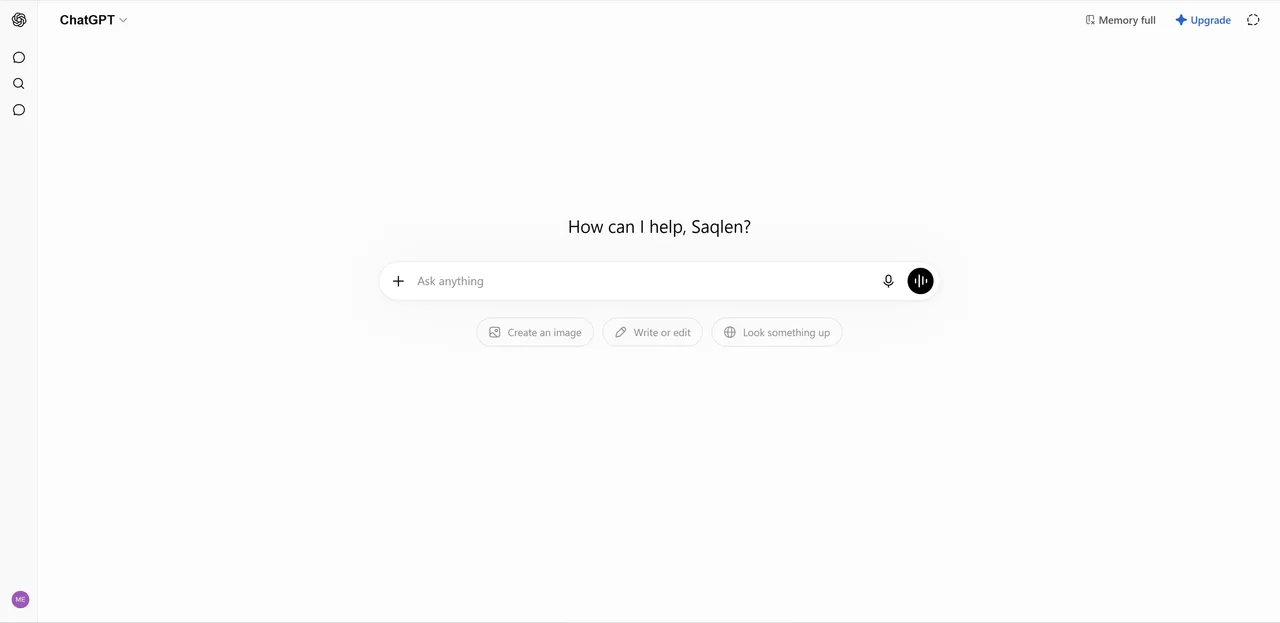
When OpenAI launched ChatGPT, it fundamentally shifted how the world interacts with artificial intelligence. What began as a simple text interface has rapidly evolved into a comprehensive digital ecosystem. Today, ChatGPT is a versatile powerhouse capable of seeing, hearing, speaking, and reasoning through highly complex problems.
In this detailed guide, we will break down the core models, explore standout features, compare the free and paid subscriptions, and outline its limitations to help you decide if it is the right fit for your workflow.
Understanding the OpenAI Models
ChatGPT is not just a single AI; it is an interface powered by a rotating lineup of OpenAI's industry-leading foundational models. Depending on your subscription tier and the task at hand, the platform seamlessly routes your request to the most appropriate engine.
| Model | What it is best for |
|---|---|
| GPT-4o (Omni) | The flagship model for speed and native multimodality, processing text, audio, and images in real time. The default engine for most tasks. |
| GPT-4o mini | A lightweight, highly efficient version of Omni, ideal for rapid, high-volume tasks where speed matters more than maximum reasoning depth. |
| o1 (Preview & Mini) | Specialized reasoning models that "think" before they answer, built for complex logic, advanced mathematics, and deep coding architecture. |
| GPT-4 | The legacy powerhouse that set the industry standard; still available for nuanced tasks but largely superseded by the speed of GPT-4o. |
Core Features and Capabilities
ChatGPT offers a robust suite of tools that elevate it from a conversational agent to a fully fledged productivity suite.
1. Advanced Voice Mode and Speech-to-Speech AI
One of the most impressive recent additions to the ChatGPT mobile app is Advanced Voice Mode. Powered by the native multimodal capabilities of GPT-4o, this feature allows for real-time, fluid conversations.
The AI can detect emotional nuances, understand interruptions, and respond with highly realistic pacing. It is an invaluable tool for practicing a new language, rehearsing for an interview, or brainstorming ideas hands-free while commuting.
2. Canvas for Coding and Writing
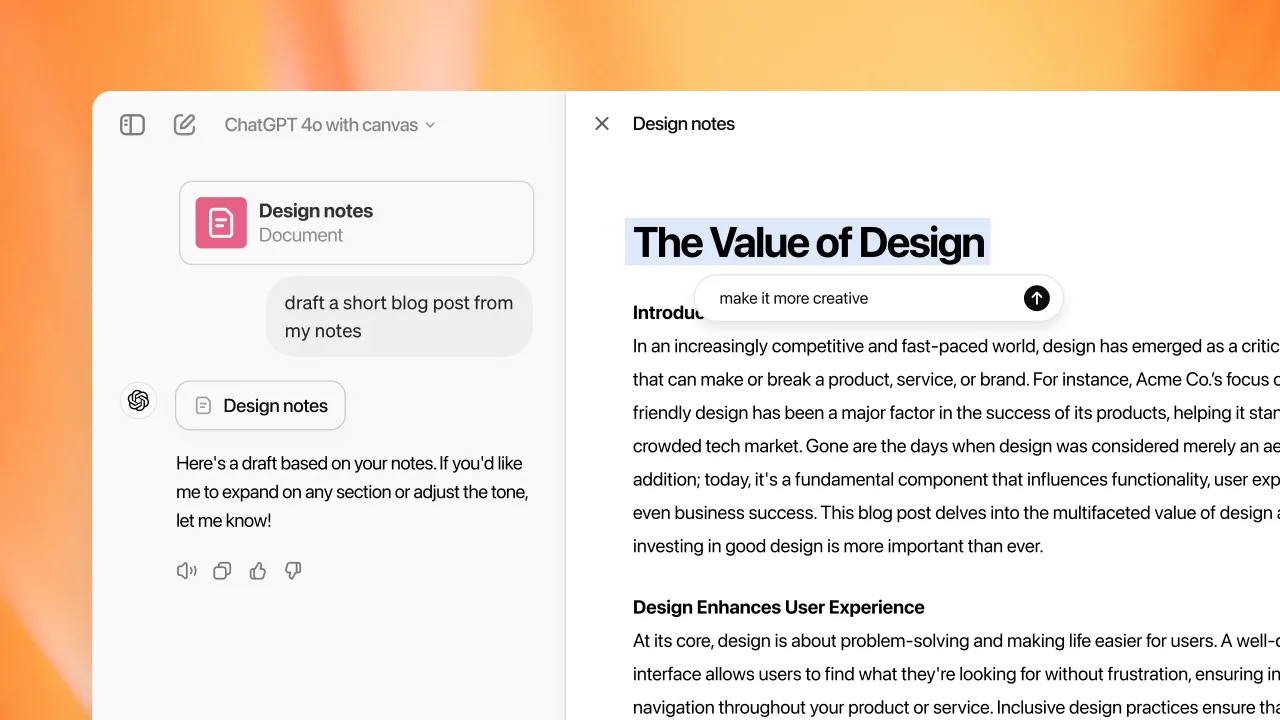
To compete with dedicated AI workspaces, OpenAI introduced Canvas. This feature opens a dedicated side panel where you can collaborate with ChatGPT on long-form writing and software development.
Instead of generating a completely new response every time you ask for a revision, Canvas lets you highlight specific paragraphs or lines of code for targeted edits. Frontend developers can drop in a screenshot of a mockup and ask ChatGPT to generate the corresponding React components and animations, then highlight a single block to adjust the layout, drastically speeding up UI/UX prototyping.
3. Custom GPTs
You are not limited to the default ChatGPT personality. Plus and Enterprise users can create "Custom GPTs," tailored versions of ChatGPT pre-loaded with specific instructions, knowledge bases, and capabilities.
The use cases are virtually endless. Educators can build specialized GPTs loaded with institutional guidelines to automate admission inquiries, and developers can create assistants loaded with API documentation to debug scripts on the fly. You can publish your custom GPTs to the official store or keep them private for personal workflow optimization.
4. Advanced Data Analysis and Vision
ChatGPT excels at handling unstructured data. You can upload heavy CSV reports, massive Excel spreadsheets, or PDF documents, and the AI will write and execute Python code in the background to analyze the data, generating charts, extracting trends, and providing actionable insights in seconds.
Its Vision capabilities let you upload images directly into the chat. Snap a photo of a whiteboard flowchart and have it converted into functional code, or upload an image of a broken appliance to troubleshoot repair steps.
5. DALL·E 3 Image Generation
Creative generation is natively built in. By simply describing an image, ChatGPT uses the DALL·E 3 model to generate highly detailed, accurate visuals. It is particularly adept at understanding complex prompts and adhering closely to the requested art style, making it great for blog headers, concept art, or placeholder graphics.
Free vs. Paid: Choosing the Right Tier
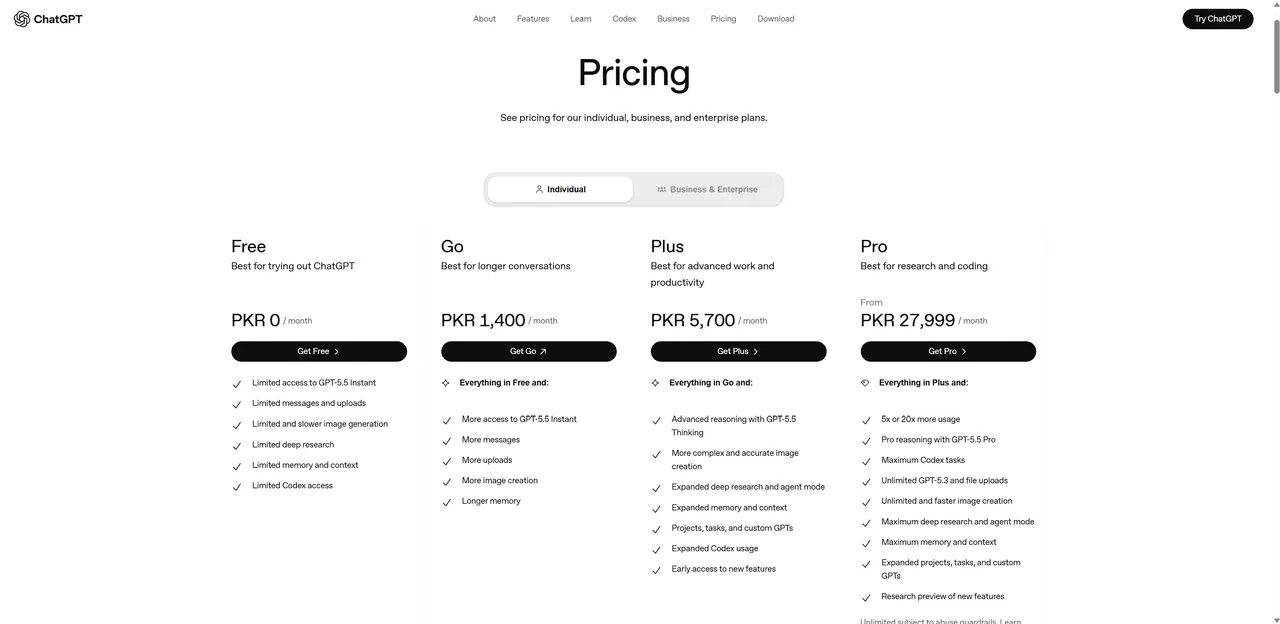
OpenAI has structured its pricing to give casual users access to top-tier technology while reserving high usage limits and administrative tools for paying customers. Here is how the tiers compare.
| Free | Plus ($20/mo) | Team & Enterprise | |
|---|---|---|---|
| Best for | Casual users, students, and light tasks. | Engineers, copywriters, marketers, and daily power users. | Businesses and teams. |
| Model access | GPT-4o (auto-downgrades to GPT-4o mini at the cap). | 5× the free capacity on GPT-4o, plus the o1 reasoning models. | Everything in Plus, with higher message caps. |
| Key features | Web browsing, limited image generation, and file analysis. | DALL·E 3, Advanced Voice Mode, Custom GPTs, and priority access. | Dedicated admin workspace; your data is not used to train models. |
| Price | Free | $20 / user / month | $25 / user / month (Team) · custom (Enterprise) |
If you only need occasional drafting or brainstorming help, the free tier offers unprecedented value. Professionals who lean on AI daily will find the Plus subscription pays for itself in time saved.
Current Limitations and Constraints
While ChatGPT is often considered the industry benchmark, it has specific limitations that users need to navigate.
| Limitation | What to know |
|---|---|
| Context window | Caps at 128,000 tokens, smaller than rivals offering 1M+ windows like Gemini, so huge code repositories or several thick textbooks will not fit in a single prompt. |
| Usage caps | Even on Plus, heavy use of the o1 reasoning models or a rapid barrage of GPT-4o prompts can hit a temporary rate limit. |
| Real-time data | Web browsing helps, but the internal knowledge base has a hard cutoff and can struggle to synthesize breaking news or obscure data without hallucinating. |
| Audio output | Advanced Voice Mode is expressive but will not generate music, sing, or replicate the voices of public figures due to safety and copyright guardrails. |
Final Verdict
ChatGPT remains the most accessible, well-rounded, and polished AI assistant on the market. Its ability to seamlessly transition between writing code, analyzing spreadsheets, speaking in natural language, and generating images makes it an indispensable tool for modern digital workflows.
If you only need occasional help drafting emails or brainstorming, the free tier offers unprecedented value. But if you rely on AI to write complex applications, analyze dense data sets, or automate business processes, the ChatGPT Plus subscription is an essential investment. Still comparing? See how it stacks up against Claude and browse more free AI tools.